
ScanTap or camera
Scan the product
The user taps the NFC area with a compatible phone or scans the printed QR code with the camera.
How it works
Pompi products connect a physical NFC or QR device with a preconfigured page, redirect, phone number or contact action. Visitors do not need to install an app: they tap, scan and open the link on their phone.
1. How to use it
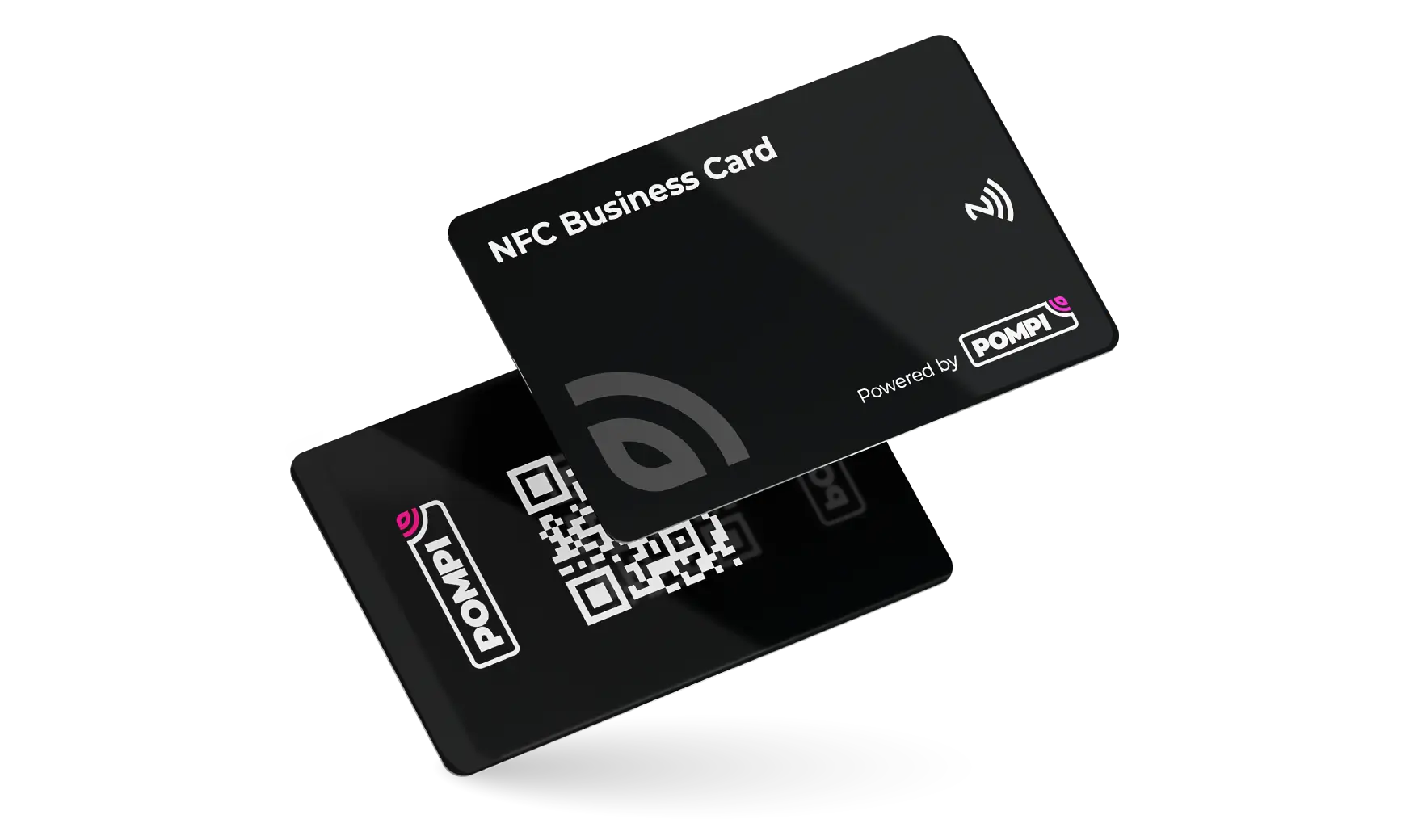
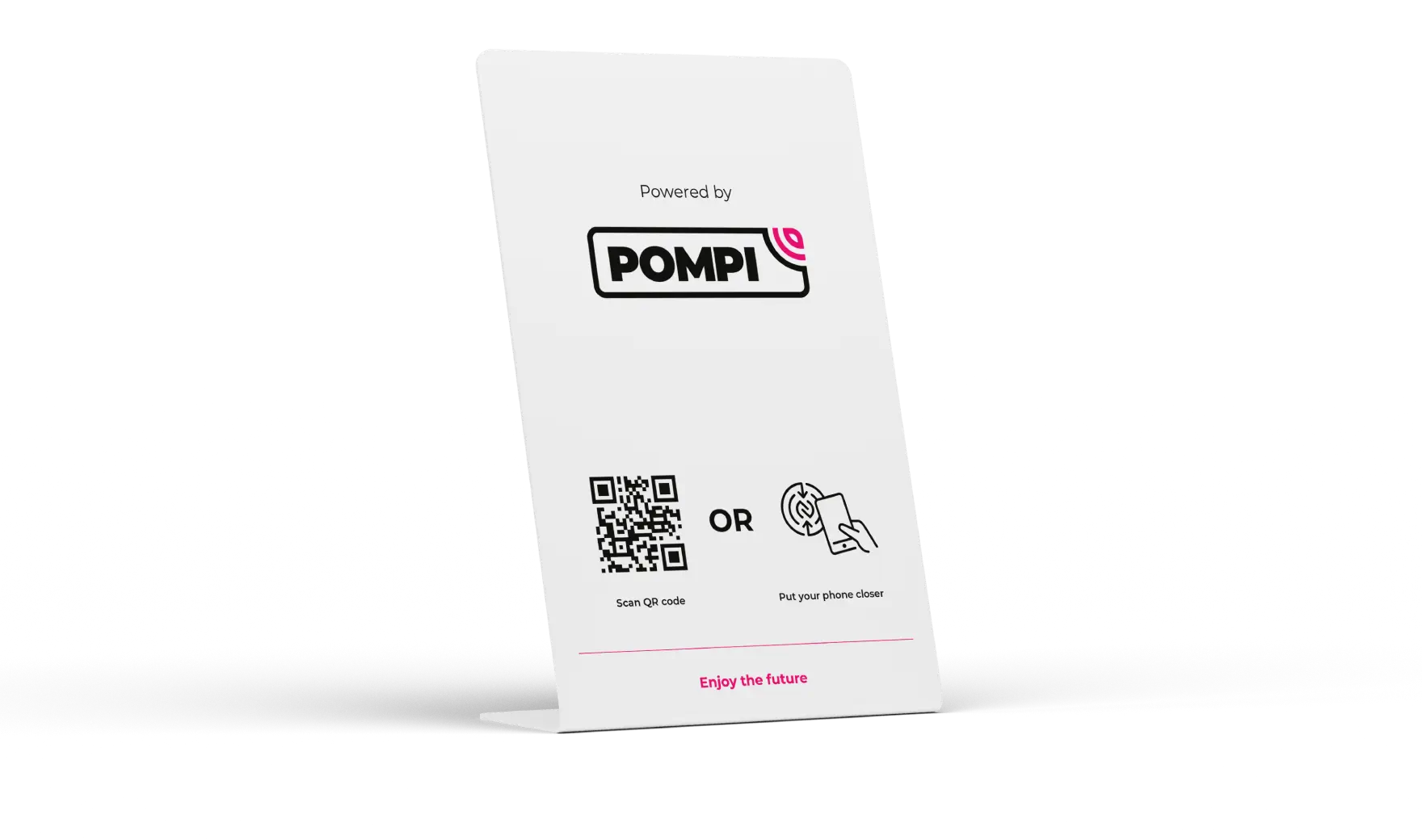
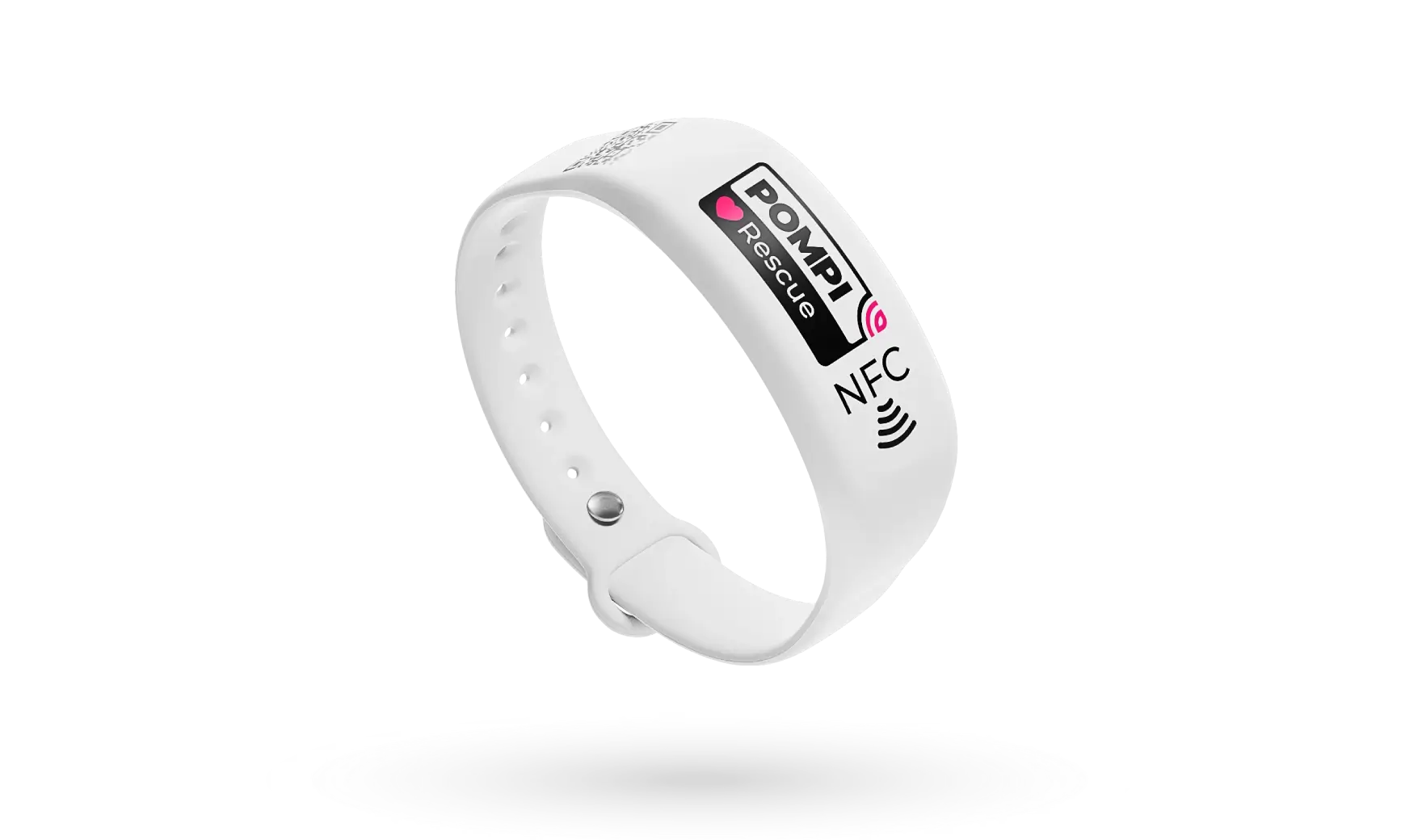
Place the product where people need the action: on a counter, business card, wristband, sticker, stand or printed material. The phone reads the NFC tag or QR code and opens the configured result.
The user taps the NFC area with a compatible phone or scans the printed QR code with the camera.
The phone shows a link notification or QR preview. The user clicks it and the browser opens automatically.
The product can show a landing page, redirect to any URL, open a phone number ready to call or display contact details.
2. How to configure it
Use pompi.app to register devices, build landing pages and decide which page or action each product should open.
Sign in to the Pompi app. This is where you manage pages, QR codes, analytics, business cards and devices.
Scan the product to open its registration flow, enter the activation code from the package and confirm that the device belongs to your account.
Add the content you need: phone, email, contact card, website links, maps, social profiles, forms or a simple branded landing page.
Assign the page to the registered product. Multiple products can use the same page, or each product can open a different page.
Flexible destinations
After setup, the NFC tag or QR code remains the same while the assigned page or redirect can be updated in the app. That makes one product useful for team profiles, campaigns, reviews, rescue information, menus, forms and direct calls.
Ask for setup advice